20 emergency manuals
From Power outage and Drinking water to Radio and warnings, Cash and Emergency pack. In plain Dutch, with large letters.
Note: the program, the manuals and the first aid on the stick are in Dutch. The map shows the Netherlands and Belgium. The library contains 5 Dutch-language reference works, 32 English-language ones and 10 in six other languages. The translator works between Dutch and 13 other languages.
In a long power outage more is lost than the light. Without internet you can no longer look anything up. This stick holds the manuals, the map and the first aid you need, ready on your laptop for as long as its battery lasts.
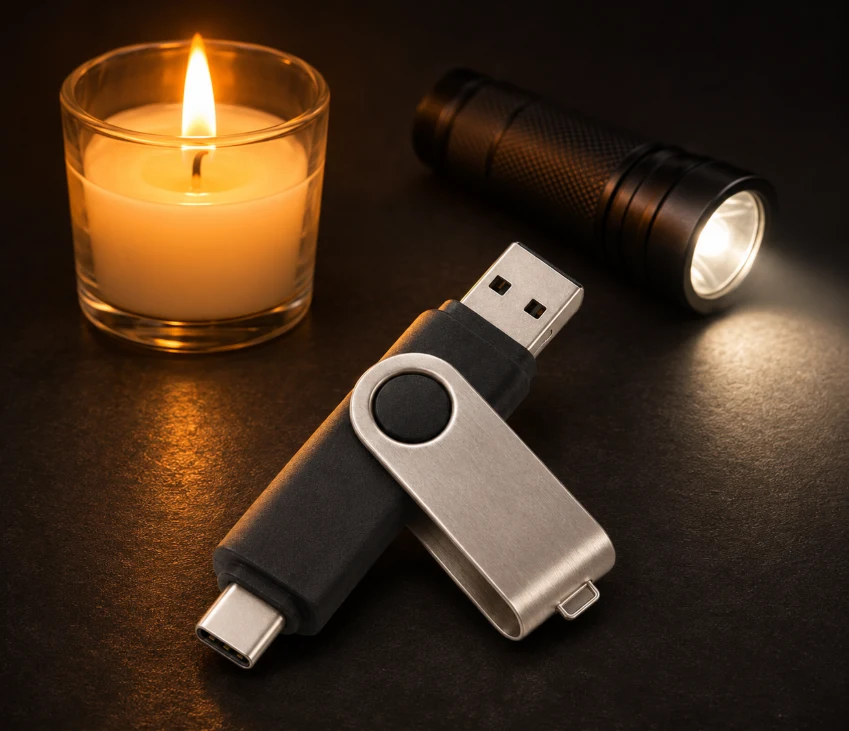
One stick costs €99, one-off and including VAT, with free shipping in the Netherlands and Belgium. For family or neighbours: 3 for €249 or 5 for €399.
Free shipping in the Netherlands and Belgium, 1 to 3 business days. Ordered on business days before 22:00, shipped the same day. 14-day cooling-off period.







A power outage of a few minutes hardly registers. If it lasts longer, it gets harder. Your router stops working, your phone runs out of battery and information you would normally just google can no longer be found.
That is exactly the moment this stick was made for. Everything is stored locally: nothing is fetched from the cloud, you need no account and there is no subscription. Plug it into a laptop that still has battery and you can read what to do.
One thing the stick does not handle is power. Your laptop or phone must still have energy itself. A charged laptop battery or a power bank is enough, but you have to have that at home yourself.
The official Dutch advice is to be prepared for at least 72 hours. Count on at least 3 litres of drinking water per person per day and cash: €70 per adult and €30 per child. The calculator on the stick works it out for your household. Test the stick and charge your power bank.
Open your laptop and start the program from the stick. Open the manual Power outage and work through it calmly.
Read the manuals Loss of internet and phone and 112 is not working. Under Find your emergency broadcaster, look up which station your radio should be tuned to in your region.
If the computer is on, the program reports that the power is back or that the internet is working again. You also get a notification when the battery is nearly empty.
A 64 GB USB stick with a USB-A and a USB-C connector. You start the program without installation, on Windows, Mac or Linux.
From Power outage and Drinking water to Radio and warnings, Cash and Emergency pack. In plain Dutch, with large letters.
The Netherlands and Belgium, 2.5 GB. With drinking water points, cash machines, pharmacies, hospitals, police and fire stations nearby.
23 lessons with drawings and photos, 7 lessons for at home and a rhythm button for CPR.
The library of 47 reference works includes reference on cooking and keeping food, preserving and radio. Most of it is in English.
A 17-point checklist for your emergency pack and an emergency plan that you fill in step by step and print.
An alarm clock that works without internet, plus notifications about power, battery and internet.
Honest up front, so you know what you are buying.
A screen uses power, paper does not. That is why a printed instruction booklet comes with the stick. And print the emergency plan you fill in while the printer still works. Hang it somewhere everyone in the house knows.
| Storage | 64 GB |
|---|---|
| Connectors | USB-A and USB-C |
| Operating systems | Windows, Mac and Linux |
| Installation | Not needed |
| Internet and account | Not needed |
| Library | 47 reference works, about 49 GB in total |
| Map | Netherlands and Belgium, 2.5 GB |
| Notifications | Power back, battery nearly empty, internet active again, alarm clock |
Yes, as long as your laptop, computer or phone still has power itself. A charged battery or a power bank is enough. The stick itself needs no internet or power grid.
The official Dutch advice is at least 3 litres of drinking water per person per day, for at least 72 hours. The calculator on the stick works that out for your household.
The official Dutch advice is €70 per adult and €30 per child, enough for 72 hours. The manual on cash explains what to watch out for.
Open the manuals Loss of internet and phone and 112 is not working. With Find your emergency broadcaster you see which radio station to tune into for warnings in your region.
The full program with search and route planner starts on a computer. On your phone or tablet you can open, among other things, the map per province and the first aid. Test it beforehand on your own device.
No. The program starts from the stick on Windows, Mac or Linux. You install nothing, create no account and pay no subscription. No cloud is involved.
When your computer is on, the program gives a notification as soon as the power is back. You also get notifications when the battery is nearly empty or when the internet is back.
No. In an emergency, always call 112 if you can. The stick gives you knowledge and overview, but it does not replace a phone, internet or emergency services.
Order your stick for €99, test it on your laptop and keep it next to your power bank. Order on a business day before 22:00 and your parcel goes out the same day.
Order now